
Download LL Audio Converter - MP3 Converter – Audio Converter, MP3 Converter, Batch Conversion
Overview
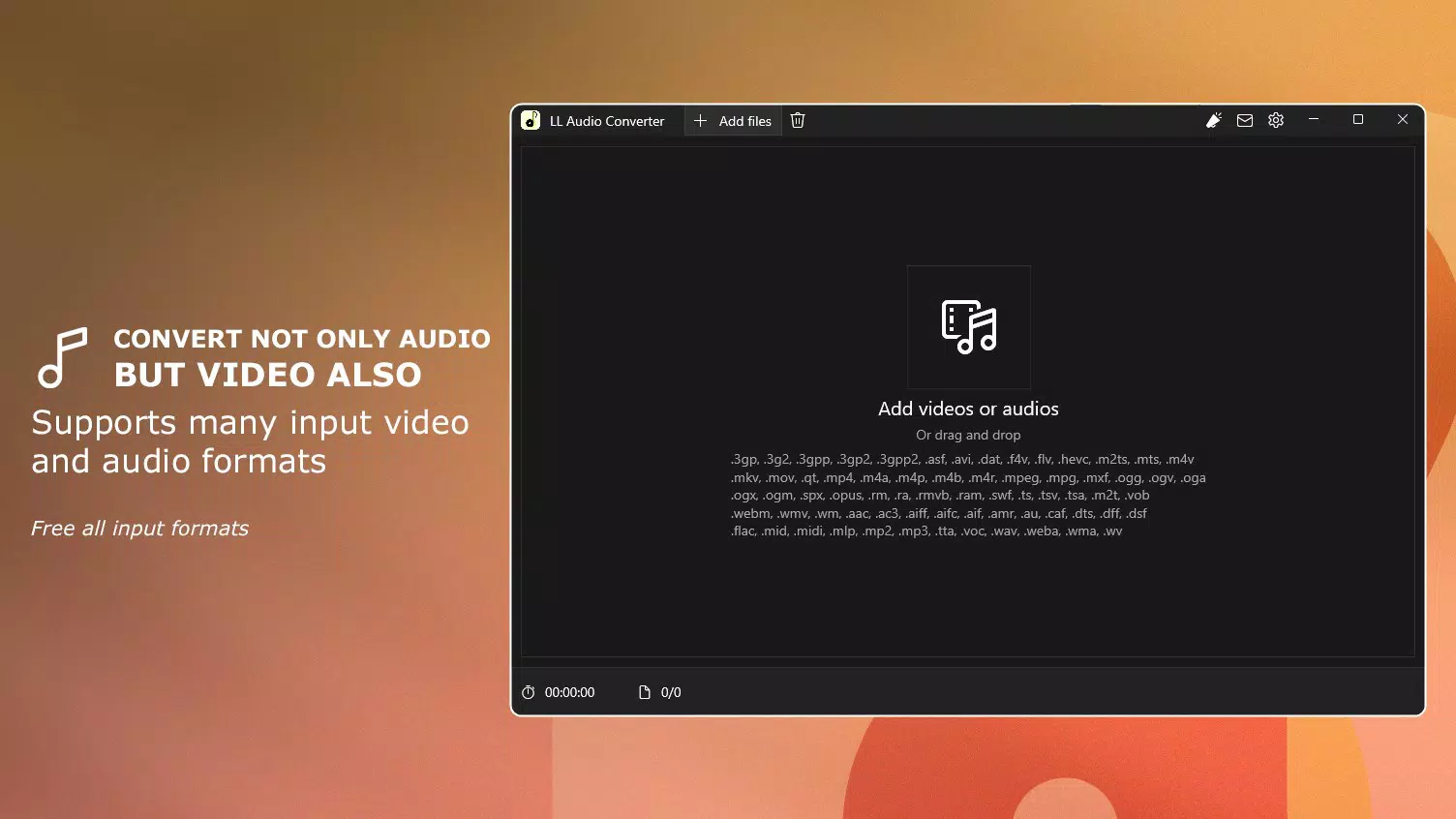
LL Audio Converter - MP3 Converter is a mobile application designed to simplify the process of transforming audio files into the widely supported MP3 format. Launched on August 23, 2024, the app targets users who need a reliable, fast, and privacy-focused solution for audio file management. Whether you're a casual user converting music from a personal collection or someone handling multiple audio files for content creation, this tool provides a streamlined experience. Its core purpose lies in enabling efficient audio conversion without compromising on quality or security.
The app is particularly valuable in today’s digital ecosystem, where audio files come in various formats and users frequently need to standardize them for playback on different devices or platforms. With the rise of mobile content creation and podcasting, having a lightweight yet powerful converter on your smartphone is increasingly essential. LL Audio Converter - MP3 Converter is positioned as a productivity utility that empowers users to manage audio files directly from their Android devices.
The developer, LL Audio Converter, has not provided additional details about their background or history. However, the app’s focus on on-device processing and user privacy suggests a commitment to data security. Real-world use cases include preparing music libraries for offline listening, converting interview recordings for editing, or optimizing audio files for web uploads. The app fills a niche in the Android productivity space by combining advanced features with a straightforward interface, making it a practical tool for everyday audio workflows.
Key Features & Functionality
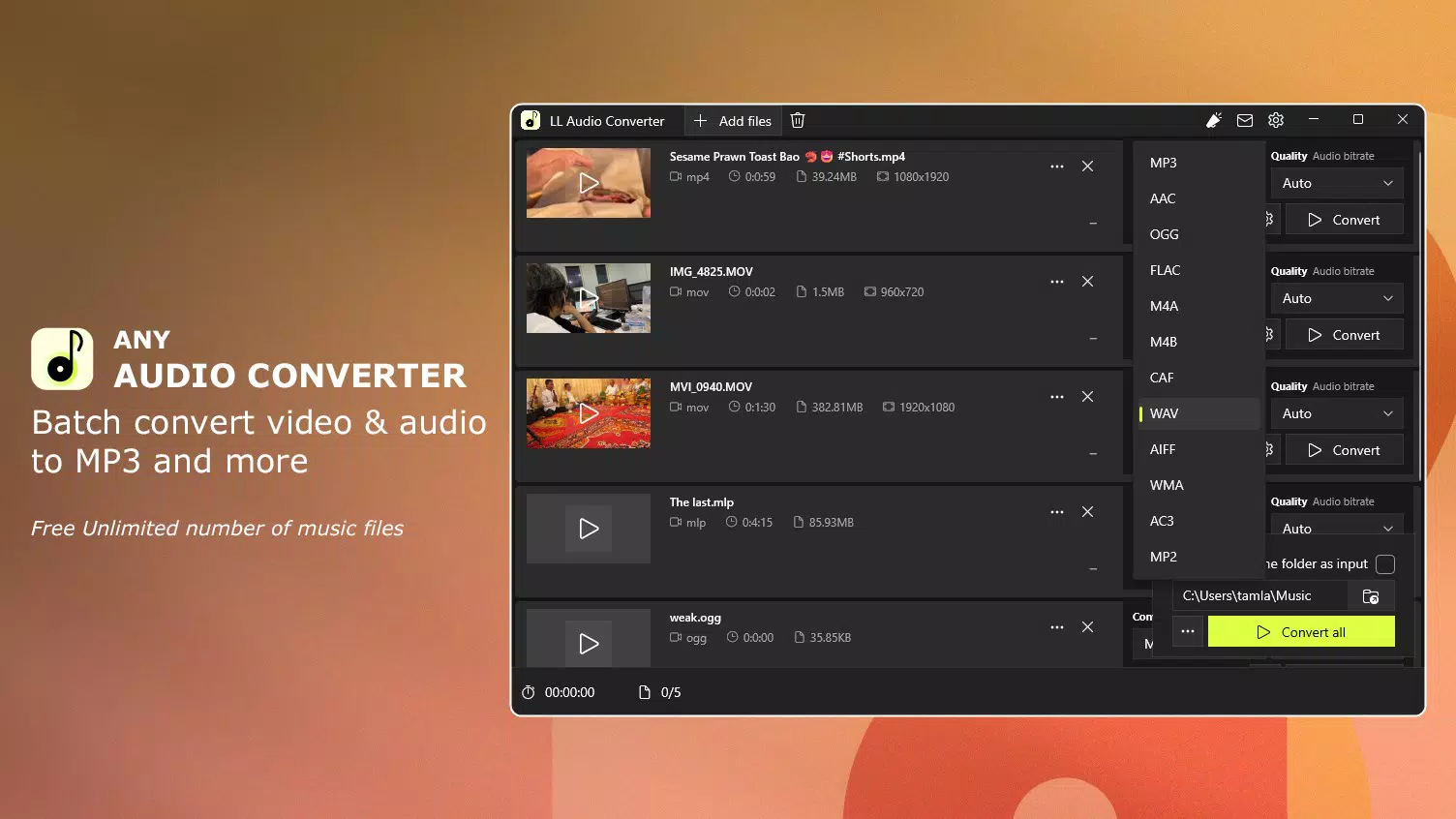
- Batch Conversion: Convert multiple audio files to MP3 simultaneously, eliminating the need for individual processing. This is ideal for users managing large media libraries or preparing files for distribution.
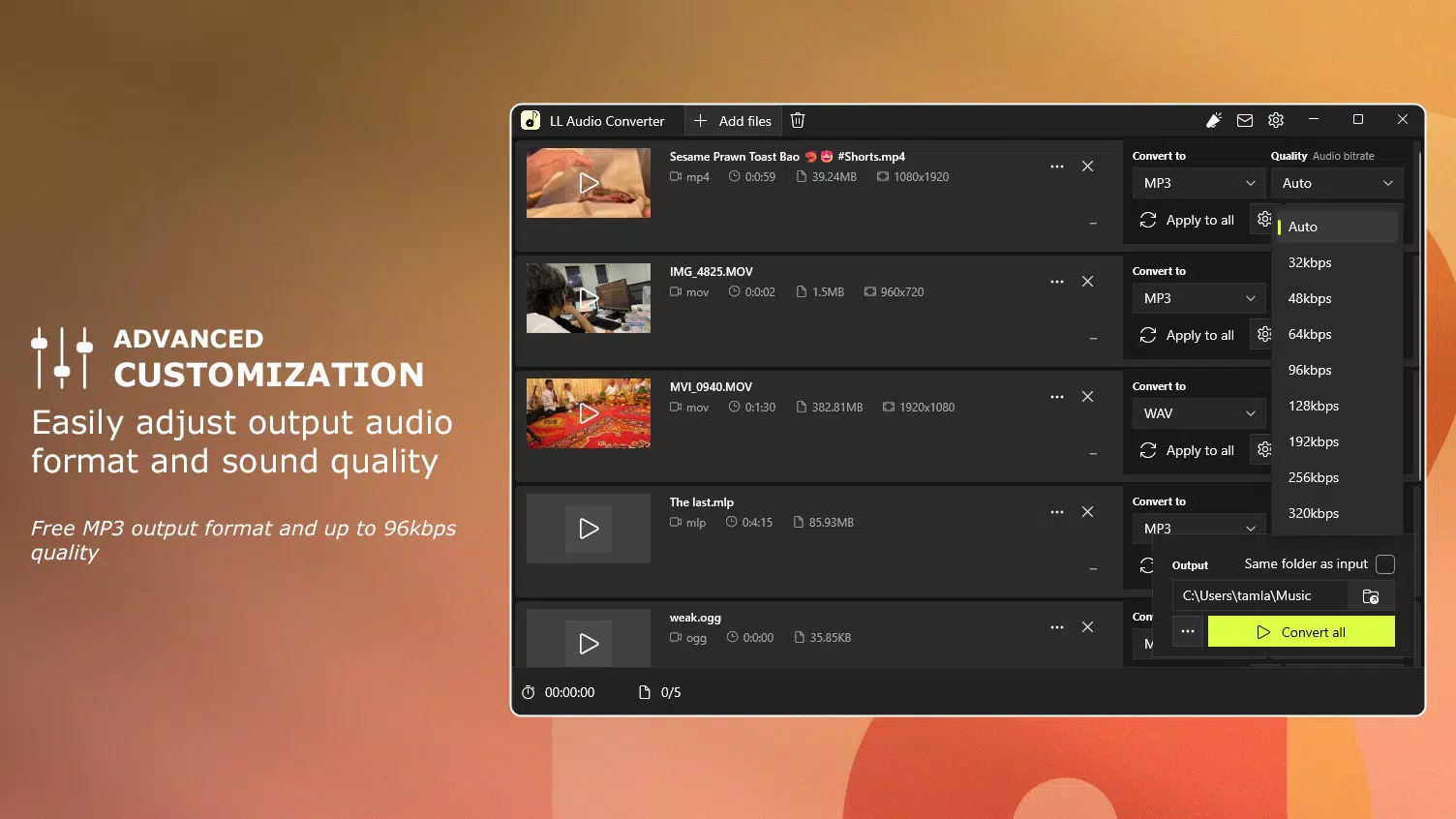
- Customizable Output Quality: Adjust audio quality between 96kbps and 320kbps in premium mode, allowing users to balance file size and sound fidelity based on their needs.
- Privacy Protection: All audio conversion takes place locally on the user’s device, ensuring no files are uploaded to external servers or shared with third parties.
- Auto Mode: The app uses intelligent algorithms to automatically detect optimal settings for each file, simplifying the conversion process for less experienced users.
- Hardware Acceleration: Utilizes device-specific processing capabilities to significantly reduce conversion time, enhancing performance and responsiveness.
For example, a content creator preparing a podcast can use batch conversion to process dozens of interview recordings in minutes. A student might convert lecture audio from a proprietary format to MP3 for easier playback on a portable device. The customizable quality setting allows users to choose lower bitrates for smaller files when storage is limited, or higher bitrates for audiophiles seeking maximum clarity. The privacy-focused design ensures sensitive recordings remain secure, which is critical for professionals and individuals handling confidential material.
Interface, UX & Performance
The user interface of LL Audio Converter - MP3 Converter appears to be designed with simplicity and efficiency in mind. The layout is likely centered around a clean, intuitive dashboard that allows quick access to core functions such as file selection, conversion settings, and output management. Navigation is expected to follow standard mobile patterns, with clear icons and minimal on-screen clutter, contributing to a smooth user experience.
Although the developer did not list formal performance metrics, the inclusion of hardware acceleration suggests a focus on speed and responsiveness. The app is expected to handle file processing efficiently, even on mid-range Android devices. Users should experience minimal lag during file selection and conversion, with the interface remaining responsive throughout the process.
Stability is likely maintained through on-device processing, which reduces dependency on external services. However, specific details about crash rates, memory usage, or background operation were not provided. The app’s performance may vary depending on the device’s processor, RAM, and storage speed, but the use of hardware acceleration indicates optimization for modern Android hardware. Overall, the UX is tailored to deliver a frictionless workflow, making audio conversion accessible to users of all technical levels.
Platform Compatibility & Technical Requirements
LL Audio Converter - MP3 Converter is available exclusively on the Android platform. The current version is 1.0.2, with a file size of 12.5 MB, indicating a lightweight footprint suitable for most Android devices. The app is free to download and use, making it accessible to a broad audience.
The developer did not specify minimum OS requirements or device compatibility details. As such, users should ensure their device meets general Android standards for running productivity applications. While no official compatibility list was provided, the app’s small size and focus on local processing suggest it is designed to function on a wide range of Android smartphones and tablets. Users are advised to check their device’s system version and available storage before installation.
Pros and Cons
Pros
- Free to download and use, offering strong value for a productivity tool.
- Supports batch conversion for efficient processing of multiple files.
- On-device processing ensures user data privacy and security.
- Hardware acceleration enhances conversion speed and performance.
- Customizable output quality allows users to tailor audio files to their needs.
Cons
- Specific OS version requirements were not disclosed.
- Information about premium mode access and features was not fully detailed.
- Compatibility with older Android devices is not confirmed.
- No public information about update frequency or long-term support.
- Developer background and company details were not provided.
FAQ
Is LL Audio Converter - MP3 Converter safe to use?
Yes, the app processes all audio files directly on your device, meaning no data is uploaded to external servers. This ensures your files remain private and secure.
Can I convert multiple audio files at once?
Yes, the app supports batch conversion, allowing you to select and convert multiple audio files simultaneously.
Does the app require an internet connection?
No, all conversion processes occur offline. The app does not need an internet connection to function.
Is the app available for iOS devices?
As of now, the app is only available for Android. No iOS version has been announced.
How do I update the app?
Updates are typically delivered through the Google Play Store. Ensure your device is connected to the internet and check for updates in your app manager.
Final Thoughts
LL Audio Converter - MP3 Converter stands out as a practical, privacy-first tool for Android users seeking to convert audio files efficiently. Its combination of batch processing, customizable quality settings, and on-device security makes it a valuable addition to any productivity toolkit. The app’s lightweight design and free access further enhance its appeal, especially for users who prioritize data control and performance.
While some technical details remain unspecified, the app delivers on core functionality with a focus on usability and reliability. It is ideal for students, content creators, podcasters, and everyday users who need to manage audio files without relying on cloud services. Whether you're preparing music for offline listening or standardizing audio formats for editing, this tool offers a seamless experience.
Download LL Audio Converter now and take full control of your audio files with confidence.


